In our collaborative branding projects, we often engage with clients who have their own design teams. This symbiotic relationship allows us to incorporate their vision and expertise into the project seamlessly. We welcome and encourage suggestions on aesthetics, which can be communicated through various formats such as Figma, Adobe XD, Photoshop, or even flat images in jpg or png formats.
Focus Areas for Your Design Contributions
Given our user demographics, we prioritize mobile-first design. Therefore, we recommend focusing your design sketches and prototypes primarily on mobile screens. Here are the key screens to concentrate on:
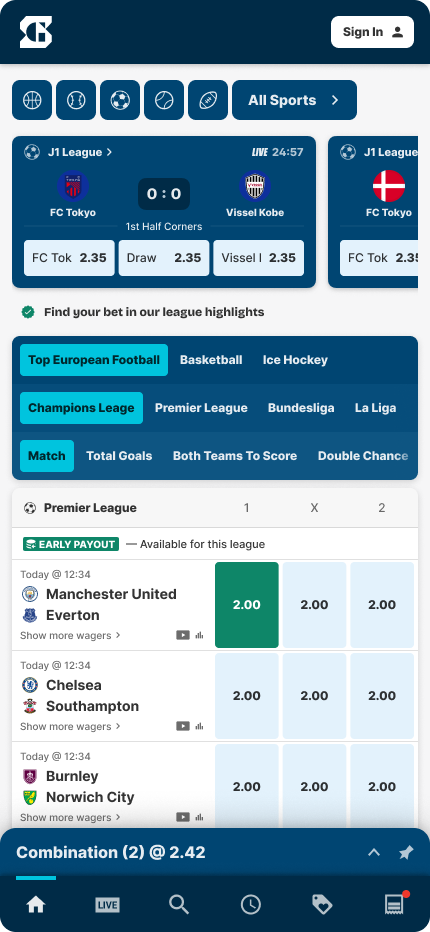
Landing page
The entry point of the app, showcasing the brand's core features and navigation.
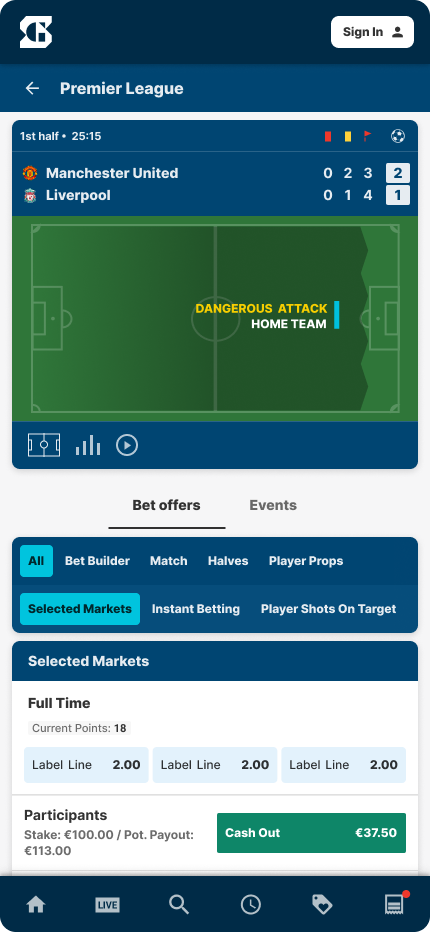
The live event page
Showing game details and the score board.
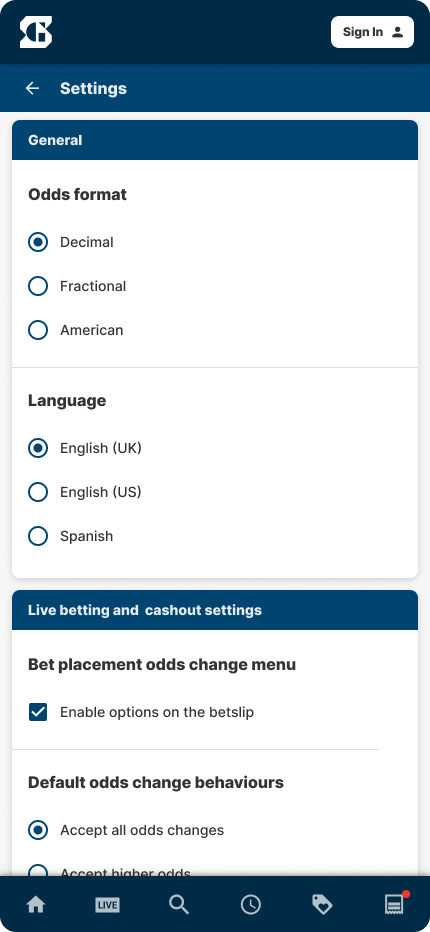
The settings page
Individual components
Here are some components that you can design a bit more in detail.
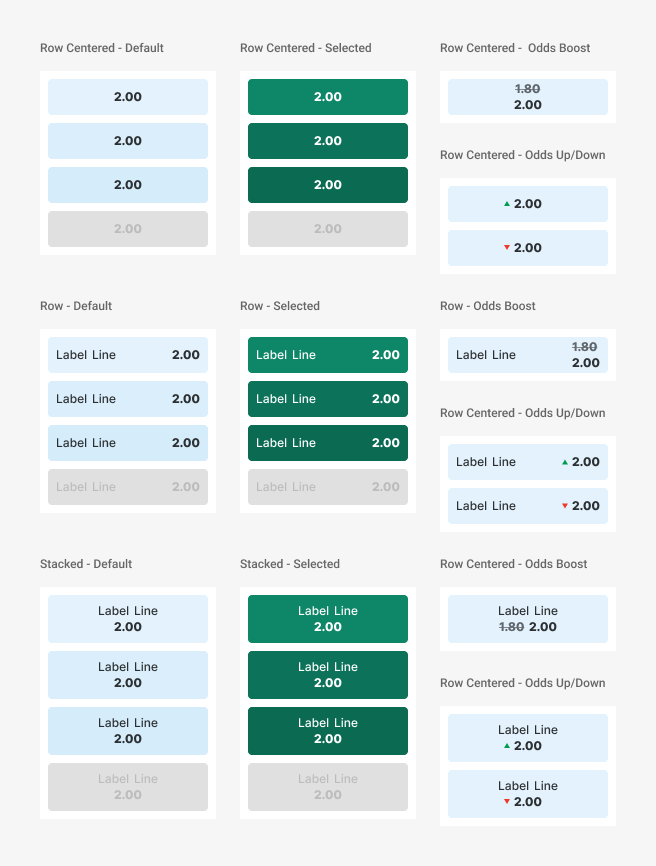
Outcome buttons
Consider all seven states.
-
Normal
-
Default
-
Hover
-
Active
-
-
Selected
-
Default
-
Hover
-
Active
-
-
Suspended/Disabled
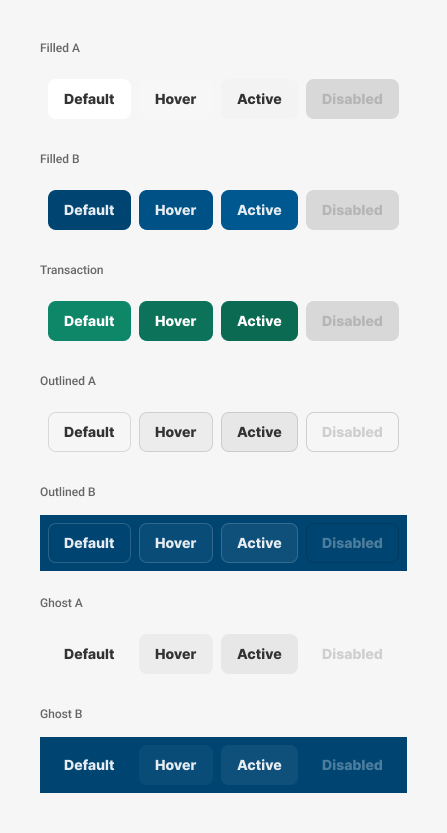
General buttons
Consider all states
-
Default
-
Hover
-
Active
-
Disabled
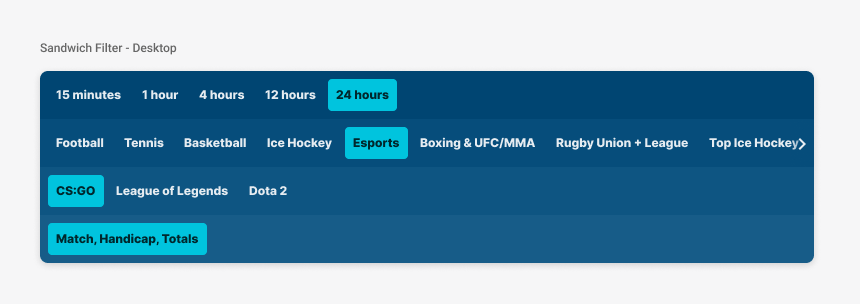
The Sandwich filter
Consider all four layers.
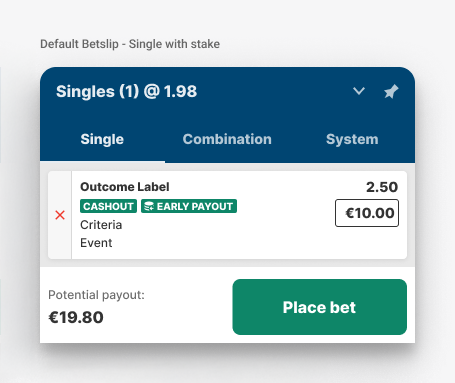
The Betslip